Category: Apps

  • UX / UI Prototyping Tools: How to get started and what you need to know

    UX / UI Prototyping Tools: How to get started and what you need to know

    Sketch, InVision, Marvel, Adobe XD, Proto.io, Omnigraffle, Flinto, Principle…oh my!

    If you’ve ever wondered if that app idea in your head is as simple as it seems — it’s now easier than ever tofind out. The tools today are low-cost or free to get started and easy enough for beginners and creative dabblers to wrap there heads and hands around.

    Overview: How to Get Started Prototyping

    1. Write down and clarify your idea, concept or requirements for your new business app or website.
    2. Draw or design in your method of choice – pen/pencil and paper, Sketch, Photoshop, Adobe Experience Design (XD), Illustrator, etc. Rough out a flow of 8-12 screens and what you think must be on each screen. Keep it simple. If you don’t have an existing brand identity for your app, don’t get wrapped up in that at this stage. Just keep the color palette and design neutral. Function can come first in this case and a good designer will be able to polish up your tu… er, uh… terrific looking sketches.
    3. Flow screens into a prototype app – use Adobe XD, Marvel, Invision, etc. (more on that below) to get a feel for your transitions and screens. I recommend starting with one of these 3 tools since it is faster to build a basic interaction prototype with static screens and non-granular animation.
    4. Test and review on yourself and anyone willing to give you a few minutes of their time.
    5. Consider your next steps, available time and funding to build a rich prototype (Proto.io, Principle) or jump right into Xcode.

    The above is a simplified, but solid path for all digital projects. If your idea is fairly simple and you have enough chops, you should be able to hammer out Steps 1-4 in a day or two.

    Keys to Choosing the Right Prototyping Tool

    With so many options the subtle differences will help you choose your starting point.

    • Are you an Adobe Creative Cloud member? If so, unless the job requires it, you may not need to add Sketch to your arsenal. Also, the features of Adobe XD (more below) may be enough for your prototype.
    • How experienced are you with Photoshop / Illustrator? If you’ve been working with these tools for years, chances are you’ll be a faster designer in them.
    • Do you need gesture support for your prototype? This feature is not available in Adobe XD, yet.
    • Do you need detailed, or granular, UI animations? E.g. separate moving elements, not just screens moving. If so, Proto.io, Flinto and Principle offer this. If you are building an app for a highly competitive space, you may want to spend the time upfront to nail down all of the rich UI animations and transitions right from the start.
    • Are you on Windows? If so, Flinto and Principle are Mac only (with the exception of cloud based Flinto Lite)

    Prototype tools breakdown

    * Static vs. animated screens is worth consideration. Unless you know you will definitely be making the app, animated screens aren’t totally necessary. You can move faster and get a good idea of app behavior and transitions through static screens. InVision has a great free plan and they’ve built an awesome designer toolkit with extras the others don’t focus on (like their Board layouts for creating brand guidelines and presenting mood boards).

    For my last prototype, I decided to work in Photoshop and InVision. Here’s why:

    • Photoshop Artboards (CC 2017) work great to layout app screens and was faster (for me) than Sketch
    • The lack of gesture support ruled out Adobe XD as my Prototype tool
    • I wanted to wait until a later phase (likely funding) to build out an animated prototype in Proto.io and/or Flinto
    • InVision had everything I needed for a static screen prototype that we could quickly produce and get a good idea of the app behavior and transitions.
    • Note: If I didn’t already have an Adobe CC and InVision account, I probably would have taken Marvel for a spin. Marvel has some great features and you can design directly in it, or take photos of your sketches, upload them and add interactivity. This seems like a great tool to rough out a new concept very quickly.

    An opinion on Sketch…coming from a Photoshop & Illustrator background:
    There’s no shortage of excellent and intuitively designed tools at this dance and while Sketch may be the darling of the ball, it’s not all you’ll need and may not be the right choice for everyone. As an alternative to Photoshop, it’s an awesome one – tons of features at a great price (about the cost of 2 months of Adobe CC subscription). Sketch is for design only, but has plugins for Marvel, InVision and more. Symbols and repeating elements are really nice in Sketch, however, if you’re coming from a long history with Adobe, you’ll probably be a faster designer in Photoshop and Illustrator. In Sketch:

    • Layers / layer sets are different
    • Masking is a touch awkward, but easy enough to get used to
    • Photoshop is needed for raster and Illustrator drawing will probably feel more natural to those already familiar with it

    Adobe Experience Design (XD) May be the Future

    XD is likely to be the right option for Creative Cloud users in the near future. For now, the lack of gesture interaction puts it rather far behind the competition, but XD has a clean UI with tons of potential and I would expect Adobe will be adding great features in the near future.

    In conclusion

    Maybe you’ve been holding on to that awesome app idea for a long time and keep coming back to it. Now you can get a great idea of how your app might look and feel with a minimal amount of time and investment if you’re willing to DIY. Hopefully the above will help narrow down the field of options and get you started. Happy prototyping!
  • Why We Built MemLife: An App for Life Stories & Family History

    Why We Built MemLife: An App for Life Stories & Family History

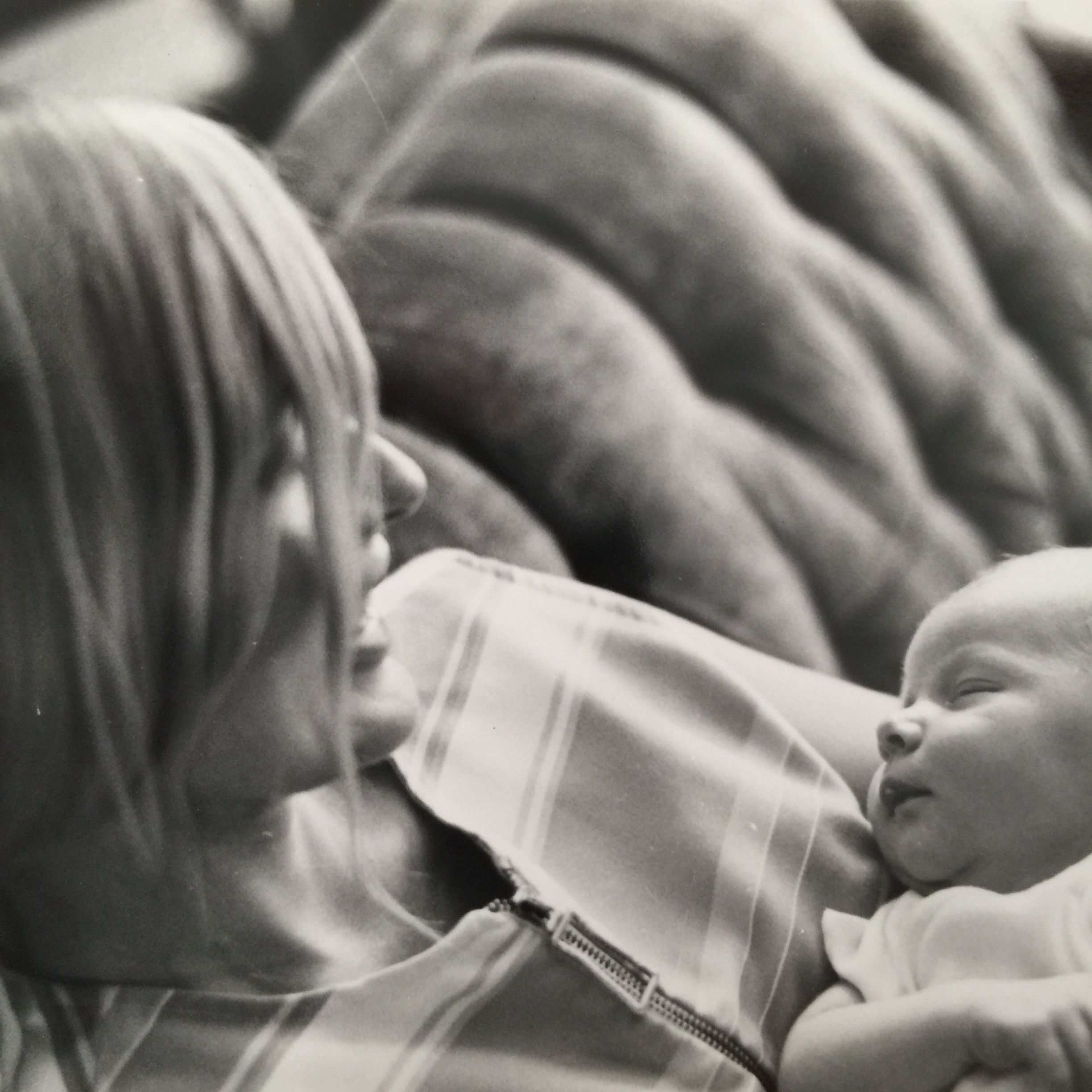
    During our final family vacation to Cape May, I sat down to record some of my Mom’s personal history – her travels, education and childhood stories – but quickly realized that it wasn’t going to be possible. Alzheimer’s Disease had already stolen much of her memory and was making Mom uncomfortable with the conversation.

    Mom’s dreadful journey with Alzheimer’s Disease ended two months ago, but as she would have liked, we wanted to make something positive from the experience. We decided to build MemLife to preserve our own stories, help us capture some of Mom’s life stories by collaborating with family and friends and to convince others that this can be a simple, personal and meaningful process. Our family aims to rebuild Mom’s story by collaborating on MemLife and we’re making sure the app is easy for everyone to create a life story and/or memorialize any loved one.

    “Family history fades in just three generations”

    These days, our personal digital lives have become the news of the day – but the more meaningful stories and the stories of those that came before us, our parents and grandparents, are largely lost. According to Aaron Holt, of the National Archives and Records Administration, “family history fades in just three generations”. Stories are shared between generations, but when it comes recording or retelling these stories, the details and historical accounts are often lost. For families that have preserved a written and photographic record of their history, they are holding pure treasure that future generations will enjoy and benefit from.

    Reasons to start writing down life stories:

    “Jot it down! There’s no need to make it perfect – you can do that later.”
    • To record a legacy or maintain a family history
    • Capture the life of a loved one who passed on
    • Reflect on life and record the great and challenging stories of our past
    • Proving to future generations (and our kids) that we had a life

    How-to tips:

    • Consider starting with just 5-10 minutes per day
    • Jot it down! The goal is to write, remember and reflect. There’s no need to make it perfect – you can do that later.
    • As you start to get into it, forgotten or neglected memories will likely come back to you more freely. When they do, grab your phone, open up MemLife and write down a title and some notes.
    • You’ll be surprised – you can create a 40+ page Life Book with just a handful of hours over the next few weeks.
    • Don’t feel like you have to start writing a book. Start from one memory, photo or use one of our memory triggering questions.
    • Keep it brief and don’t burn the midnight oil right from the start.
    • When you’re ready, create a free Life Book with the push of a button!

    We’d like to encourage everyone to get started now on their own life stories. Whether it’s with a pen and paper, or an app, even just a few minutes a day or a couple hours a week is time well spent. Future generations will be able to look back on your life and your kids and grandkids will learn more about who they are. Our hope is that MemLife makes it easy for individuals and families to start recording their own personal and family treasures – simply, privately and free.

    More Info, Links & Reading:

    Writing your life story, or writing one for a loved one who no longer can, is a meaningful and reward process with real health benefits. For more on that, read our footnoted article “5 Amazing Benefits of Writing a Life Story Journal”.

    MemLife is available for iOS, Android and desktop – it’s private and free. Our dual purpose mission is to help people get their stories down before it’s too late and to help raise awareness for Alzheimer’s Disease. We’re currently looking for feedback as well as sponsors and financial support to continue our mission. If your company or corporate values align with ours – let’s talk!

  • 5 Amazing Benefits of Writing a Life Story Journal

    5 Amazing Benefits of Writing a Life Story Journal

    Spoiler alert—it’s easier than you think to get started.

    Research shows us that there are real benefits to writing life stories and that even small amounts of time spent writing in reflection can have significant and positive effects on our lives both physically and mentally1. Some researchers even believe “that by writing and then editing our own stories, we can change our perceptions of ourselves and identify obstacles that stand in the way of better health.”2

    Journaling or writing a diary of personal life stories and experiences can:

    1. Evoke mindfulness – writing and recollecting focuses the mind past the stresses of the day3
    2. Increase memory capacity4
    3. Lower Rumination and Depression symptoms5
    4. Help find meaning, value and a sense of self-worth6
    5. Potentially increase IQ – writing can help build and refine your vocabulary and has a positive correlation with intelligence7
    “Even small amounts of time spent writing in reflection can have significant and positive effects on our lives both physically and mentally”

    In my life, keeping a journal is something I’ve done mostly at pivotal, experiential and meaningful points in my life – such as when I studied abroad or when I travel for fun. However, over the last several years, I started realizing how many other meaningful times there have been in my life that went mostly unrecorded. When we started building the foundation for our life story journal app,
    MemLife
    , we discovered the feature we thought would be most important – to be able to create a book of someone’s life stories as simply as possible.

    Over the last year, I’ve spent a lot more time building MemLife than working on my own story, so while I’d fleshed out an outline of my life, there wasn’t a whole lot of meat to it yet. During the past five days, I’ve been feverishly working on my own Life Book. We have an event coming up and want to show a physical copy to demonstrate how easy it can be produced.

    Here’s what I learned over the last several days:

    • It’s not overwhelming to start – it’s fun. The writing and hunting for photos to embellish the stories is a rewarding process.
    • Previously written journals or notes can go a long way. Transcribing notes from travel, etc. wound up filling up many pages of my book.
    • It’s more fun to do one small story at a time as opposed to plowing through an entire decade in one sitting.
    • There is much more to your life that is worth preserving than you can imagine at the start
    • Memories become unlocked as your story progresses and there is a natural desire to return to continue the writing
    • The process is much different than writing on Facebook. There are no inhibitions since you know it won’t be publicly viewed. You can be yourself and you don’t have to edit or worry about what anyone might think.
    • I developed a sense that I was creating something meaningful that my daughter will love to read one day

    Whether you choose a typewriter, pen and paper or an app like MemLife, the process of leaving something meaningful behind is a rewarding hobby that can be done in a short span of time, or over the course of a lifetime. We’re fascinated by how something so simple could positively affect health and hope to continue to explore these benefits as research progresses. For a deeper dive into the positive aspects of story writing and the research behind it, you may want to read this article at the New York Times “Writing Your Way to Happiness”.

    To learn more about the story behind why we built MemLife and some helpful tips to recording your own story, check out the second article in this series “Why We Built MemLife: An App for Life Stories & Family History“. To check out MemLife,
    visit the website or the App Store / Google Play.

    Sources: 1 (PubMed), 2 (New York Times), 3 (Huffington Post), 4 (PubMed), 5 (ScienceDirect), 6 (Baltimore Sun), 7 (FamilySearch)